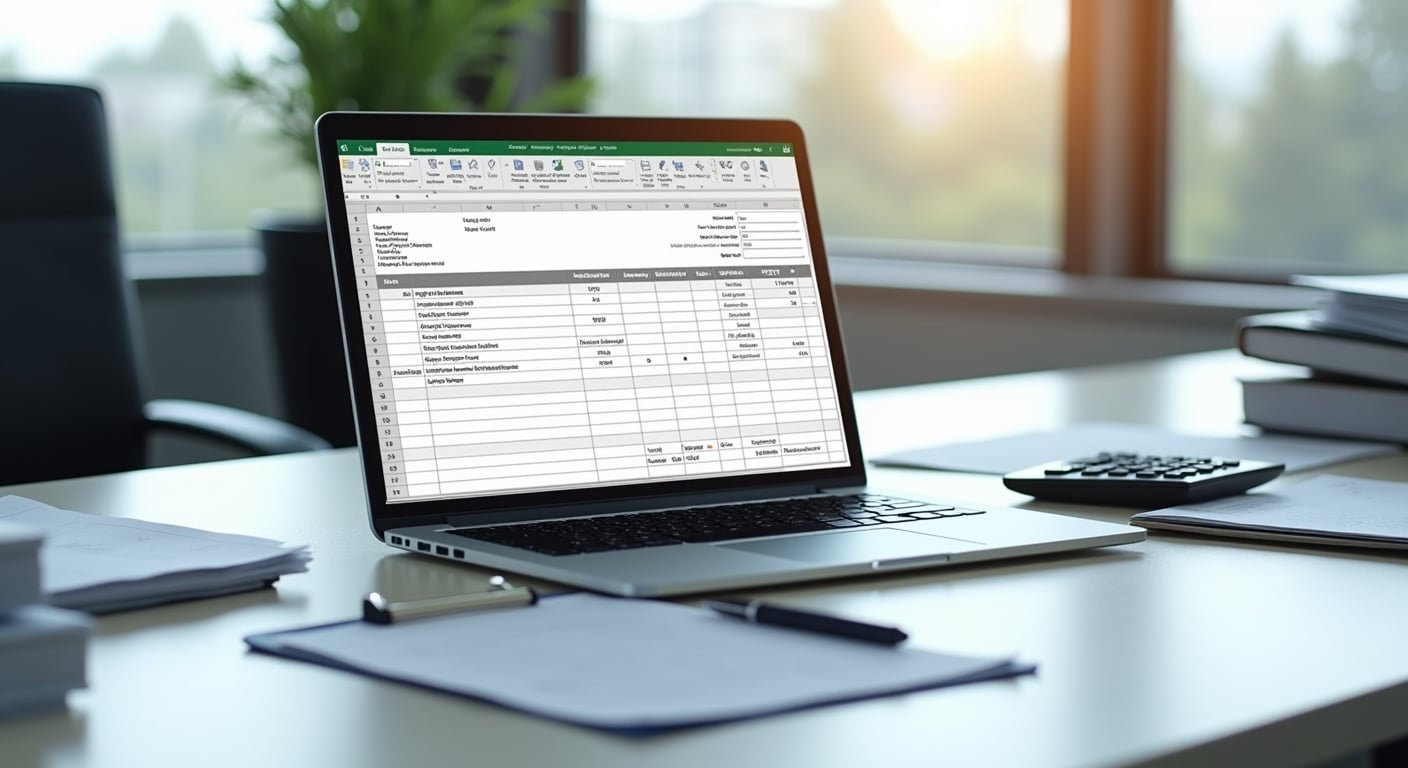
If you are searching for an invoice template malaysia businesses can use immediately, Excel is still one of the most practical starting points. Many Malaysian SMEs, freelancers, startups, and service providers use Excel because it is familiar, flexible, and easy to customise without buying new software.
That said, a good invoice is more than a simple bill. It helps you get paid faster, keeps your records organised, supports tax documentation, and presents your business professionally. For Malaysian business owners, it also needs to reflect local details such as your business registration information, payment terms, and where relevant, SST-related information.
In this guide, we explain how to use an Excel invoice template in Malaysia, what fields to include, how to adapt it for different industries, and when it may be time to move from spreadsheets to accounting software. If you are building your back-office documents, you can also explore other SME resources for day-to-day business operations.
What is an invoice template in Excel?
An invoice template in Excel is a pre-formatted spreadsheet used to create invoices for customers. Instead of designing a new invoice every time, you fill in the customer details, invoice number, item descriptions, quantities, prices, tax information, and payment terms.
Excel templates are popular among Malaysian SMEs because they offer:
- Low cost or no extra cost if you already use Microsoft Excel
- Easy editing for branding, pricing, and layout
- Simple formulas for totals, tax, and balances
- Printable and shareable formats
- A practical option for new businesses with low invoice volume
For example, a small digital marketing agency in Kuala Lumpur may use Excel to issue monthly invoices to retainer clients, while a home-based baker in Johor may use it for event orders and corporate gift box billing.
Why Malaysian SMEs still use an invoice template malaysia Excel format
Although cloud accounting systems are growing in Malaysia, Excel remains useful for many small businesses, especially at the early stage.
1. It is beginner-friendly
Many business owners already know basic Excel functions. This reduces the learning curve compared with adopting a new invoicing platform.
2. It is flexible for different business models
A consultant, retailer, contractor, tuition centre, and online seller may all invoice differently. Excel allows you to add or remove columns based on your workflow.
3. It works for low invoice volume
If you only send a few invoices each month, a spreadsheet may be enough. This is common for freelancers, part-time service providers, and newly registered sole proprietors.
4. It supports manual control
Some business owners prefer checking every line item, formula, and total before sending an invoice. Excel gives that direct control.
5. It helps standardise documentation
Even if you are not ready for accounting software, using a consistent invoice template improves record-keeping and customer communication.
What to include in an invoice template malaysia businesses can use
A proper invoice should be clear, complete, and easy for the customer to understand. At minimum, your Excel invoice template should include the following sections.
Business details
- Business name
- SSM registration number, if applicable
- Business address
- Phone number
- Email address
- Company logo, if available
Customer details
- Customer or company name
- Billing address
- Contact person
- Email or phone number
Invoice information
- Invoice number
- Invoice date
- Due date
- Purchase order reference, if relevant
Description of goods or services
- Item or service description
- Quantity
- Unit price
- Subtotal per item
Totals
- Subtotal before tax
- Discount, if any
- Tax amount, where applicable
- Grand total
Payment details
- Bank name
- Account name
- Account number
- Accepted payment methods such as bank transfer, DuitNow, or cheque
Terms and notes
- Payment terms such as 7 days, 14 days, or 30 days
- Late payment note, if used
- Short thank-you message
- Any project-specific notes
If your business is registered for SST, make sure the invoice reflects the required tax treatment correctly. If you are unsure, confirm the wording and format with your accountant or tax adviser.
Quick checklist: what makes a good invoice template?
For fast reference, a strong invoice template should be:
- Easy to read on desktop and mobile
- Numbered consistently
- Branded with your business identity
- Accurate in calculations
- Clear about due dates and payment methods
- Saved in both editable and PDF versions
- Suitable for your industry and customer type
Recommended structure for an Excel invoice template
If you are creating your own template from scratch, use a simple top-to-bottom structure so clients can understand it quickly.
- Header with logo and business details
- Invoice title and invoice number
- Customer billing details
- Invoice and due dates
- Item table with descriptions and pricing
- Summary box for subtotal, tax, and total
- Payment instructions
- Notes and terms
This layout works well because it follows the way most finance teams review invoices. It also reduces back-and-forth questions from customers.
Excel invoice template vs Word vs accounting software
Many SME owners ask whether Excel is the best choice. The answer depends on your business size, invoice volume, and need for automation.
| Option | Best for | Advantages | Limitations |
|---|---|---|---|
| Excel invoice template | Freelancers, micro businesses, low invoice volume | Flexible, familiar, formula-based, low cost | Manual tracking, version control issues, higher risk of errors |
| Word invoice template | Very simple one-off invoices | Easy formatting, simple editing | No automatic calculations, less efficient for repeated use |
| Accounting software | Growing SMEs, higher invoice volume, multi-user teams | Automation, payment tracking, reporting, audit trail | Monthly cost, setup time, learning curve |
For many Malaysian SMEs, Excel is a sensible starting point. However, once invoice volume grows or multiple staff members handle billing, software often becomes the better long-term option.
How to customise an invoice template malaysia Excel file for your business
One of Excel’s biggest strengths is customisation. Instead of using a generic layout, tailor the template to your business model.
For service businesses
If you run a consultancy, design studio, marketing agency, or repair service, include:
- Service period such as “1 June to 30 June 2026”
- Project or retainer reference
- Hours, days, or milestone billing
- Deposit and balance fields
Example: A Penang web design freelancer may invoice 50 percent upfront and 50 percent upon completion. The template should clearly show both amounts.
For product-based businesses
If you sell physical goods, add:
- SKU or product codes
- Unit of measurement
- Delivery or shipping charges
- Order reference number
Example: A Selangor office supplies wholesaler may need separate lines for items, delivery fees, and bulk discounts.
For contractors and project businesses
If you work in renovation, maintenance, or construction-related services, include:
- Progress claim reference
- Site location
- Work stage completed
- Retention sum, if applicable
Example: A renovation contractor in Shah Alam may issue stage-based invoices after demolition, wiring, and finishing work.
For tuition centres and education providers
Add fields such as:
- Student name
- Month of classes
- Subject or programme
- Registration fee or materials fee
This helps parents and administrators understand exactly what the payment covers.
Formula tips for Excel invoice templates
To make your template more reliable, use simple formulas instead of manual calculations.
Useful formulas
- Line total: quantity multiplied by unit price
- Subtotal: sum of all line totals
- Discount: subtotal multiplied by discount rate
- Tax: taxable amount multiplied by tax rate
- Grand total: subtotal minus discount plus tax
Lock formula cells where possible so users do not accidentally overwrite them. You can also colour-code editable cells, such as customer details and item descriptions, to make the template easier to use.
Practical formatting tips
- Use consistent date format such as DD/MM/YYYY
- Format currency in RM
- Use borders for the item table
- Keep fonts simple and readable
- Set print area properly for A4 size
- Leave enough white space so the invoice does not look crowded
Common mistakes when using an invoice template in Excel
Excel is convenient, but manual invoicing can create avoidable problems. Here are common mistakes Malaysian SMEs should watch for.
Using inconsistent invoice numbers
Every invoice should have a unique number. Avoid random naming such as “Invoice Final New Latest.” Instead, use a clear sequence like INV-2026-001, INV-2026-002, and so on.
Forgetting the due date
If the due date is missing, customers may delay payment simply because expectations were not clear.
Not stating payment instructions clearly
Do not assume the client already has your bank details. Include them on every invoice, especially for new customers.
Manual calculation errors
Wrong totals can damage trust and delay payment approval. Always test your formulas before using the template.
Sending editable files instead of PDF
After completing the invoice in Excel, export it as PDF before sending. This protects formatting and reduces accidental changes.
Poor file organisation
Save invoices using a consistent naming convention such as “INV-2026-015-ABC-Trading.pdf.” This makes retrieval easier during audits, tax filing, or customer follow-up.
Ignoring tax treatment
If your business has SST obligations or specific tax requirements, make sure they are reflected properly. When in doubt, verify with a qualified adviser.
Best practices for Malaysian SMEs issuing invoices
Beyond the template itself, your invoicing process matters. The following practices can help improve cash flow and professionalism.
Issue invoices promptly
Send the invoice as soon as the work is completed, the milestone is reached, or the goods are delivered. Delays in invoicing often lead directly to delays in payment.
Standardise payment terms
Choose clear terms such as payment due within 7, 14, or 30 days. Apply them consistently unless special arrangements are agreed in writing.
Track unpaid invoices weekly
Even if you use Excel, keep a separate sheet for invoice status. Mark whether each invoice is sent, due, paid, or overdue.
Keep supporting documents
Store quotations, purchase orders, delivery orders, and email approvals alongside invoices. This is especially useful if a customer disputes a charge.
Separate personal and business records
For sole proprietors and small home businesses, this is particularly important. Use a business bank account where possible to make payment tracking easier.
When Excel is enough and when to upgrade
Excel works well at the early stage, but it has limits. Here is a simple way to decide.
Excel is usually enough if:
- You send a small number of invoices each month
- Only one person handles billing
- Your pricing structure is simple
- You do not need automated reminders or reporting
You may need software if:
- You issue many invoices every month
- You need recurring invoices
- Several staff members need access
- You want automatic payment tracking
- You need stronger audit trails and financial reporting
A growing SME in Malaysia often starts with Excel, then upgrades once billing becomes more complex. There is nothing wrong with that progression as long as your records remain accurate and consistent.
Simple example of how a Malaysian SME might use an invoice template
Imagine a small air-conditioning service company in Subang Jaya. The business completes servicing for a corporate office and needs to bill the client.
The invoice template may include:
- Business name and SSM number
- Client company name and office address
- Invoice number INV-2026-021
- Invoice date and due date
- Description: “Quarterly servicing for 8 units”
- Quantity: 8
- Unit price: RM120
- Subtotal: RM960
- Service tax field if applicable
- Total payable
- Bank transfer details
- Payment term: 14 days
Because the invoice is clear and complete, the client’s finance team can process it faster. This is exactly why a structured template matters.
How to store and manage your invoice templates properly
Creating the template is only the first step. Good file management prevents confusion later.
Use a master template
Keep one clean master file that you never edit directly. Each time you need a new invoice, create a copy.
Set up folders by year and customer
For example:
- Invoices 2026
- Invoices 2026 > Paid
- Invoices 2026 > Outstanding
- Key Clients > Client A
This makes month-end and year-end review much easier.
Back up your files
Use cloud storage or an external backup. Losing invoice records can create serious operational and tax problems.
FAQ
What is the best invoice template malaysia SMEs can use?
The best template is one that is simple, accurate, and suited to your business type. For many small Malaysian businesses, an Excel invoice template is a strong starting point because it is flexible and easy to customise.
Can I use Excel for invoices in Malaysia?
Yes. Many Malaysian SMEs use Excel to create and manage invoices, especially in the early stages of business. Just make sure the invoice includes complete business details, customer details, item descriptions, totals, and payment terms.
What details must be included in an invoice?
You should include your business name, contact details, invoice number, invoice date, customer details, description of goods or services, quantity, price, total amount due, and payment instructions. If tax applies to your business, include the relevant tax information correctly.
Should I send an Excel invoice or PDF invoice?
It is better to send a PDF version to customers. You can prepare the invoice in Excel, then export it as PDF to preserve formatting and prevent accidental edits.
Is an invoice template enough for a small business?
Yes, if your invoice volume is low and your billing process is straightforward. However, if your business grows and invoicing becomes more frequent or complex, accounting software may save time and reduce errors.
How do I number invoices properly?
Use a consistent sequence such as INV-2026-001, INV-2026-002, and so on. Avoid duplicate numbers and keep a record of all issued invoices.
Do freelancers in Malaysia need an invoice template?
Yes. Freelancers should still issue professional invoices to clients. A proper template helps with payment collection, documentation, and business credibility.
Conclusion
An Excel-based invoice template malaysia businesses can rely on is often the simplest way to start invoicing professionally. It gives SMEs a practical structure for billing customers, tracking payments, and keeping records organised without major upfront cost.
The key is not just having a template, but using one that is clear, consistent, and appropriate for Malaysian business needs. Include the right business details, set proper payment terms, check your formulas, and always send a final PDF copy to clients.
If your business is still small, Excel may serve you well for quite some time. As your operations grow, you can then review whether automation or accounting software makes more sense. Until then, a well-designed invoice template can go a long way in improving cash flow, reducing mistakes, and presenting your business more professionally.